




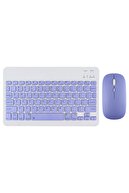
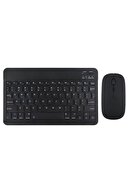
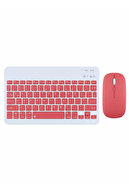
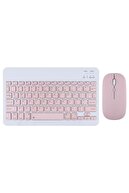
-
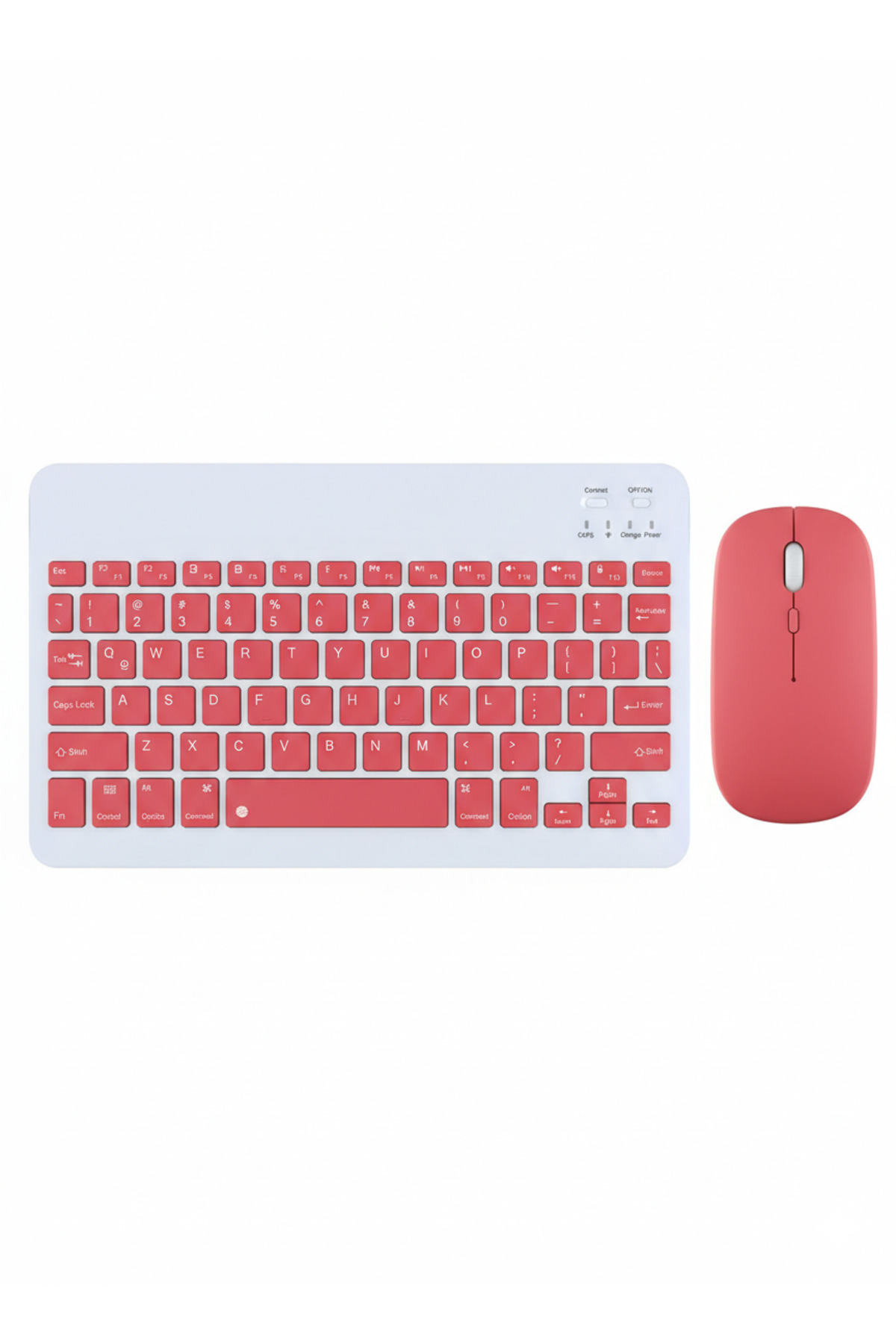
Wireless Bluetooth Keyboard and Mouse Set: Detailed Features This wireless keyboard and mouse set is designed to enrich your digital experience with its versatile compatibility and user-friendly features.
-
Key Features: Model and Compatibility: Supports all operating systems.
-
Works with all Bluetooth-enabled tablets, smartphones , televisions and laptops.
-
Internal Battery: Keyboard: 220 mAh internal battery.
-
Both devices can be easily charged via USB cable, no need to replace the battery.
-
The built-in rechargeable battery offers an incredibly long service life.
-
Design and Portability: It stands out with its ultra-thin, lightweight and portable structure.
-
It is especially ideal for business trips and those who need to work on the go.
-
Rubber keyboard keys.
-
Usage Advantages: Wide Compatibility: Works seamlessly with all major operating systems and devices that support Bluetooth connectivity.
-
Compatible with a wide range of devices including iPads, iPhones, tablets and laptops.
-
Ultra Thin, Lightweight and Portable: This set of keyboards and mice is easily portable thanks to its lightness and thinness.
-
It's the perfect solution for anyone who needs a wireless keyboard on the go, whether it's for work or entertainment.
-
Rechargeable and Automatic Sleep Mode: Thanks to the built-in lithium batteries, it can be easily charged via USB cable without the hassle of battery replacement.
-
Devices automatically go into sleep mode when not used for a certain period of time to save energy, which further extends battery life.
-
Stable Bluetooth Connection: Advanced Bluetooth technology offers a seamless and stable wireless connection up to 10 meters.
-
Important note: For desktops or laptops without Bluetooth capability, you may need to install a Bluetooth adapter (not included) and the corresponding drivers before using the kit.
-
Comfortable and Quiet Writing: Whisper-quiet and low-key keys bring a whole new level of comfort to your fingertips.
-
Plus, Windows-specific hotkeys give you quick access to your most used functions and media controls.
-
Connection Methods: Keyboard Connection: Turn the on/off switch of the keyboard to the "On" position.
-
Press the “Connect” button
-
The Bluetooth logo indicator will start flashing.
-
Turn on your device's Bluetooth feature, such as a tablet/smartphone, and search for Bluetooth devices.
-
The default Bluetooth name of the keyboard is usually "Bluetooth Keyboard".
-
Click on "Bluetooth Keyboard" on your device and press Enter to complete the connection.
-
Important Keyboard Note: The keyboard can only be connected to one device at a time.
-
If you want to use it with another device, you must first disconnect the current device from the pairing connection.
-
Mouse Connection: Set the mouse on/off switch to "Bluetooth" mode.
-
Turn on your device's Bluetooth feature, such as a tablet/smartphone, and search for the Bluetooth mouse.
-
Click "Bluetooth Mouse" on your device and establish the connection.
-
Important Mouse Note: The mouse can only be connected to one device at a time.
-
If you want to use it with another device, you must first disconnect the current device from the pairing connection.
•
•
•
•
•
•
•
•
•
•

favorite
Favoritesaccount_circle
Sign Inshopping_bag
Cart Catalogue
