


-
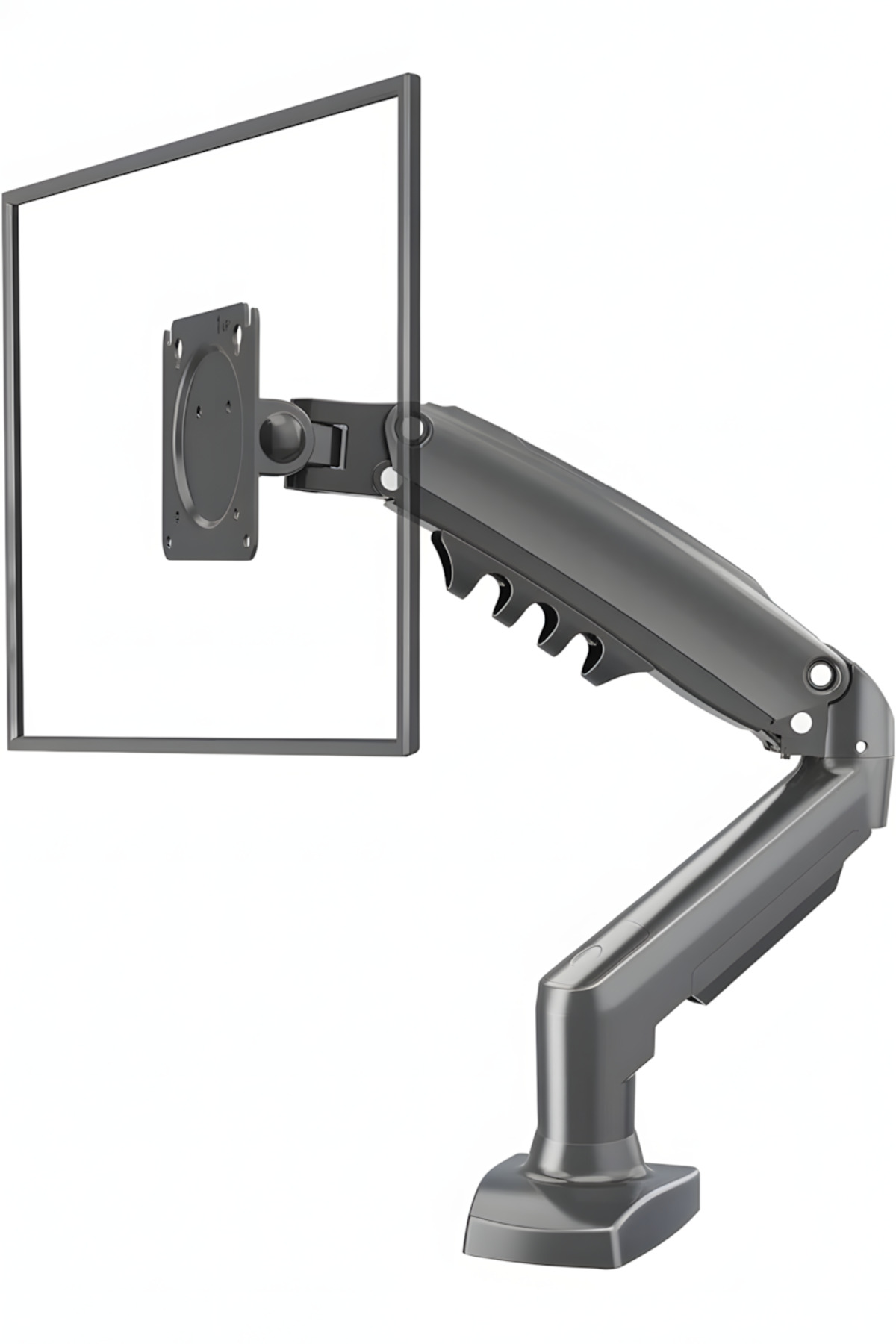
Manufactured with the quality of Freedom on Your Desk, Comfort in Your Workspace!, the NB F80 is designed to make your work area ergonomic and to make room on your desk.
-
Thanks to the gas spring system, you can move your monitor to any height, angle and position with the tip of your finger.
-
Whether it's for the office, gaming, or working from home
-
allows you to adjust your screen to full eye level to prevent neck and back pain.
-
🌟 Highlights Wide Compatibility: Fully compatible with most monitors from 17 inches to 30 inches and weighing from 2 kg to 9 kg.
-
Full Motion Capability: You can turn your screen right and left (Swivel), tilt it up and down (Tilt) and rotate it 360 degrees around its axis (Pivot - Horizontal/Vertical use).
-
Gas Shock Absorber System: Thanks to the durable gas piston system, it is effortless to fix or change the screen height.
-
Cable Management: Thanks to the integrated cable channels under the arm, it hides the cable clutter and makes your table look clean and tidy.
-
Two Different Mounting Options: From the product box, both clamping (Clamp) to the table edge and mounting (Grommet) apparatus come out of the hole on the table.
-
You can use it without drilling a hole in your desk.
-
🔧 Technical Specifications Make/Model: North Bayou / F80 Supported Display Size: 17" - 30" (inch) Carrying Capacity: 2 kg (min) - 9 kg (max) VESA Compatibility: 75x75 mm and 100x100 mm (Please measure the screw holes on the back of your monitor) Up/Down Tilt: +85° / -30° Right/Left Turn (Swivel): ±90° Screen Rotation (Pivot): 360° Maximum Elongation Distance: ~53 cm Maximum Height: ~40 cm (From the Center) Material: Airplane-grade aluminum alloy and durable plastic coating.
-
📦 Box Contents NB F80 Monitor Arm Body Table clamping apparatus (Clamp) Table hole apparatus (Grommet) Monitor mounting screws and washers Allen keys required for installation User Manual ⚠️ Important Information and Tips VESA Control: Before purchasing, make sure that there are 4 screw holes (75x75mm or 100x100mm) lined up square on the back of your monitor.
-
Weight Adjustment: After attaching the monitor to the arm, if the monitor is bouncing up or falling down
-
you should balance the blood pressure according to your monitor weight by adjusting the screws in the "+" and "-" directions on the arm with the allen key that comes out of the box.
-
The arm may not stay in the air when the monitor is not attached, this is normal.
•
•
•
•
•
•
•
•
•
•

favorite
account_circle
shopping_bag
Cart Catalogue
