




-
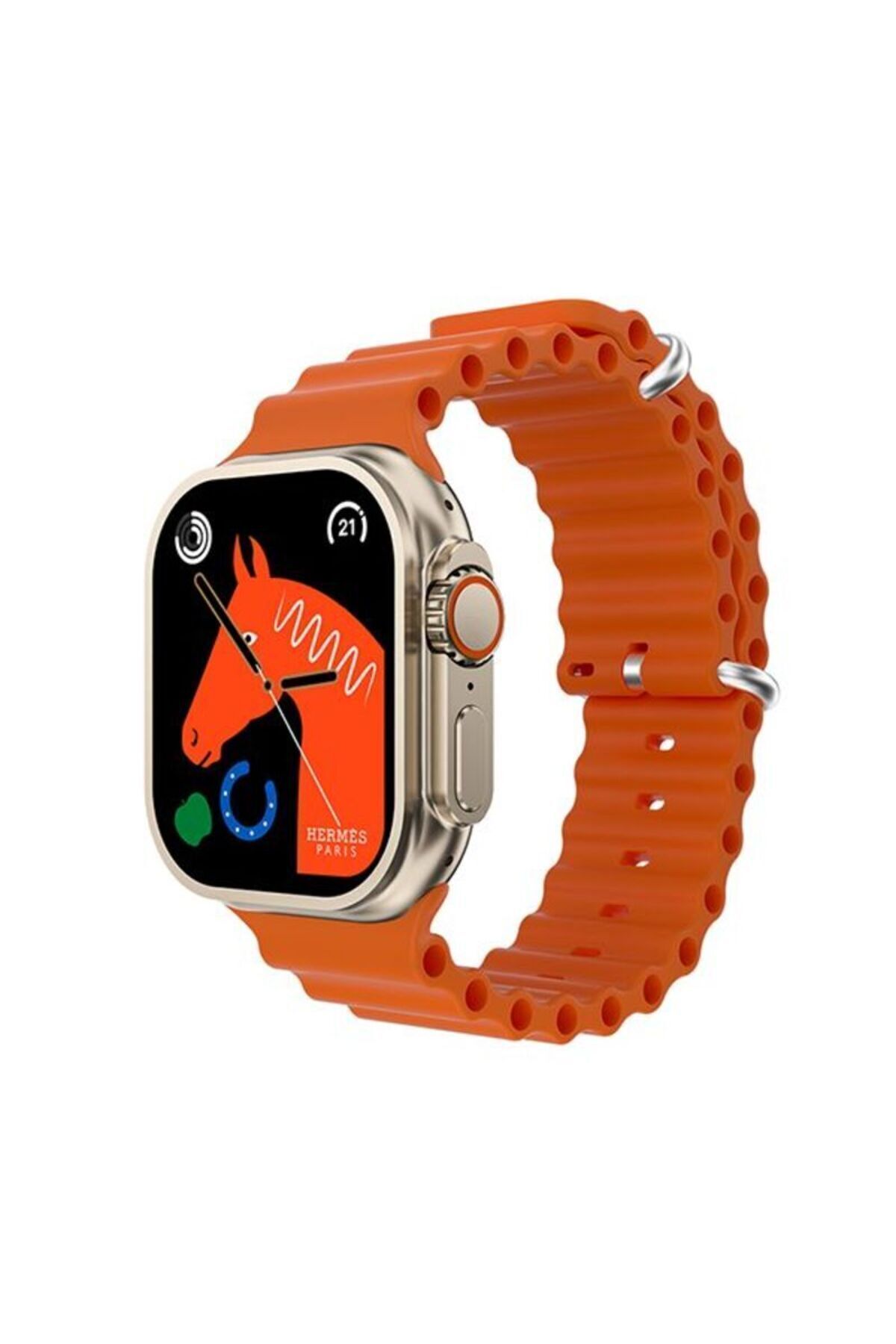
9921 Smart Watch Heart Rhythm Measurement
-
Blood Pressure &
-
Oxygen Measurement
-
Sleep Monitoring
-
Pedometer
-
2.01"
-
Dash
-
Notification (Letter &
-
call
-
Vibration
-
IP67 Life Water Resistance
-
Phonebook: Add public contacts to the app and people can view the ringtone of the phone simultaneously in the phonebook.
-
Weather: Connect to the app and enter this interface to view today's weather conditions.
-
Find a Phone: When the APP is connected, " on the bracelet
-
Find Phone"
-
Click on -
-
the phone will emit a warning sound.
-
Game: Built-in entertainment games
-
Stopwatch
-
Photo: Connect to the app, launch the camera from the bracelet or enter the remote camera interface from the app, shake/twist the wrist/tap the bracelet and automatically take a photo after the 3-second countdown.
-
Please allow the app to access the album to save the self-portrait photo.
-
resetting
-
About: You can view information about the machine.
-
Siri: Tap the voice assistant menu to launch the language assistant.
-
(Note: your mobile phone must be connected to the audio at the same time and the user's volume must be preset from the audio menu on the smartphone side.
-
Date: The date requested by the user can be set.
-
Set time: You can set the time needed by the user.
-
Lighting time: There are multiple options on the backlight time setting page.
-
When the relevant time is selected, the screen will turn off automatically.
-
Back to the dial: There are multiple options to return to the search page.
-
After the disc goes out, the timer starts.
-
It will return to the dial when the relevant time is selected.
-
Bedside Lamp (Lantern mode) : Turn on the switch, the charging page display is always on, and only pressing the key can stop the display.
-
QR Code: The mobile phone can download the app by scanning the QR code and automatically connect the bracelet device by scanning the code on the app end.
•
•
•
•
•
•
•
•
•
•

favorite
Favoritesaccount_circle
Sign Inshopping_bag
Cart Catalogue
