




-
Package Contents
-
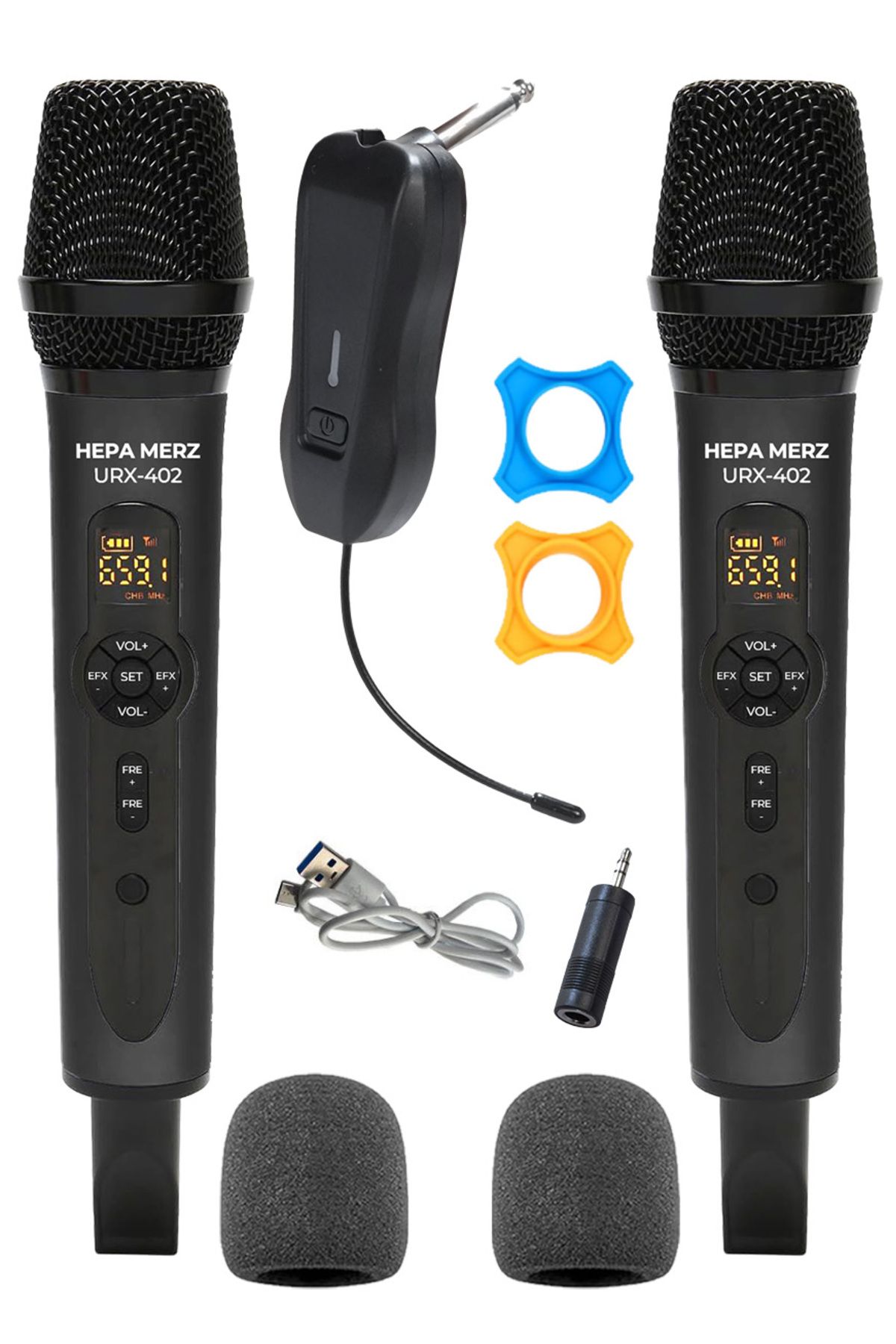
Handheld Microphone
-
1 Buyer
-
1 Microphone Sponge
-
1 Microphone Silicon
-
2 Pencil Batteries
-
1 pcs TYPE-C TO USB Cable
-
Parts of the Product
-
Metal Mesh Head
-
LED Display
-
Frequency Adjustment Button
-
Power Button
-
Battery compartment
-
Echo Button
-
SETTING Button When the screen is on, press and hold the middle setting button for about 3 seconds
-
V 00 - V 05 will flash, indicating the current volume.
-
Volume Button Press the up key to increase the Maximum V 05 and press the down key to decrease the minimum to V 00. The factory default is V 03.
-
1/4 Outlet Jack
-
Power Button
-
Antenna
•
•
•
•
•
•
•
•
•
•

favorite
Favoritesaccount_circle
Sign Inshopping_bag
Cart Catalogue
